Making critical help content accessible at the right time, in the right context
Context & Objective
Customers using Visma Løn rely heavily on support materials and guides to complete their payroll-related tasks. However, user feedback revealed a consistent issue:
"The guides are important — but we can’t find the right one when we need it."
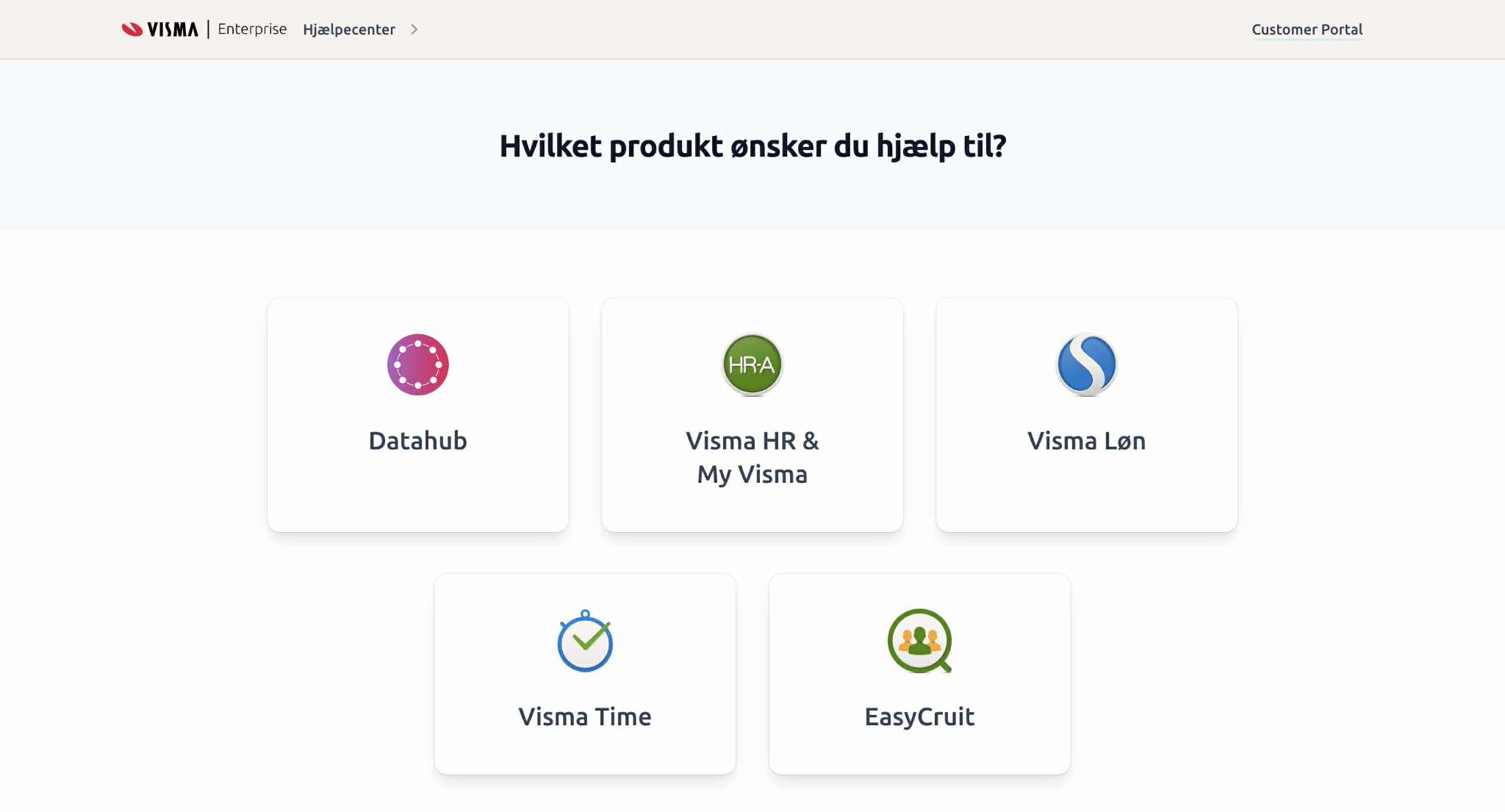
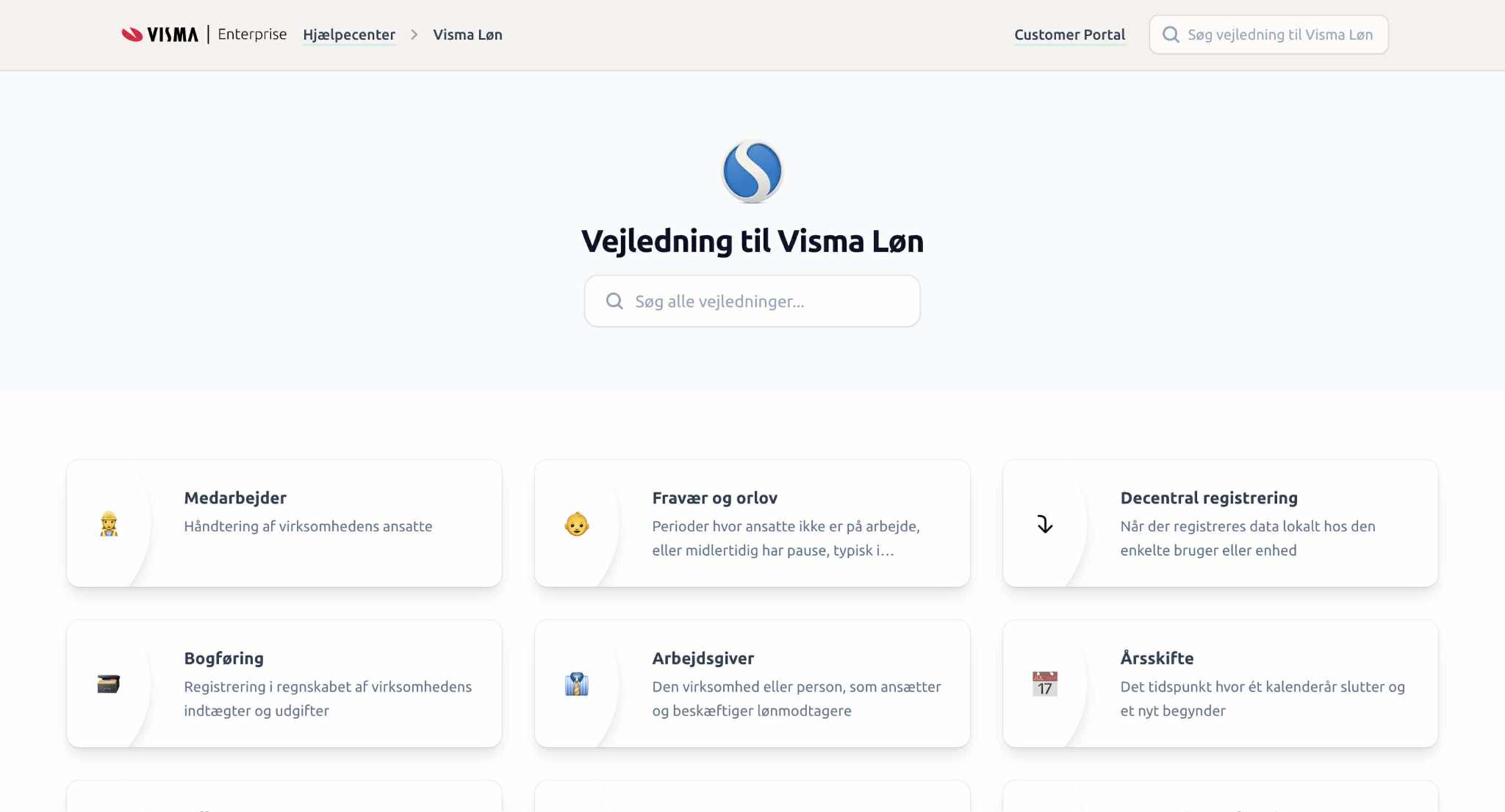
The objective of this project was to roll out a new Help Center and in-app widget, improving both access and relevance of help content. The goal was to ensure that help is discoverable, timely, and contextual, while also supporting internal documentation workflows and knowledge-sharing across teams.
The project also aimed to increase the use of quantitative user data and encourage tighter collaboration between Customer Care and content owners.
My Role
- UX Designer, Research Facilitator & Project Manager
- Participated in early testing and rollout of the widget
- Gathered and analyzed large-scale user feedback
- Synthesized pain points into actionable insights
- Facilitated cross-team collaboration with stakeholders from Customer Care, Marcom, and content owners
- Set up and configured Algolia search indexing for both the Help Center and in-app widget with synonyms and tagging
- Structured and maintained content in a CMS environment
User Research
A major part of the project was grounded in qualitative and quantitative feedback:
- A large-scale user survey resulted in over 500 data points, collected and clustered via post-its
- Follow-up interviews and conversations with internal content owners validated key patterns
- Internal feedback sessions confirmed that even power users struggled to find help when needed
- Stakeholder Helle Valsø reviewed specific guides and was enthusiastic about the added value of the widget
In addition, an internal Marcom presentation helped align messaging and ownership across departments.
Personas & Journeys
Primary persona:
- Payroll administrator or HR staff using Visma Løn
- Often under time pressure
- Needs quick, reliable answers inside their workflow
- Frustrated by irrelevant or hard-to-find documentation
The journey focused on:
Encountering a task → Needing clarification → Searching help → Success/failure → Outcome
Design Solution
The project resulted in:
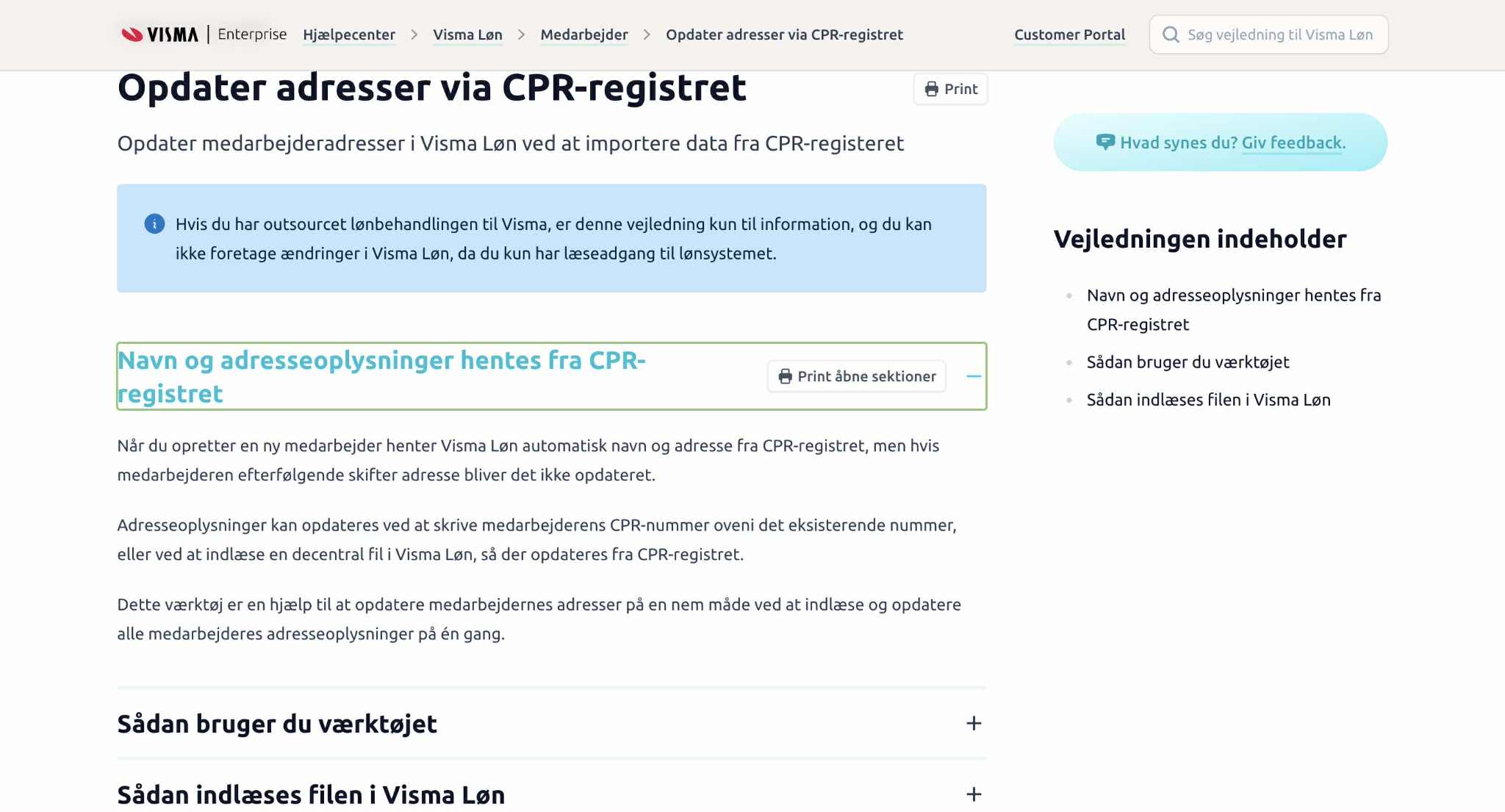
- A fully functional in-app help widget, now live in Visma Løn
- A reorganized Help Center structure for better content discoverability
- Visual and interactive guidance embedded in product context
- Foundations for future work with guide analytics and tracking
Documentation of this work is available in “Dokumentation In-app hjælp process”.
Technical Setup & Search Optimization
To ensure users could quickly find relevant content, I set up and configured Algolia (CMS) as the search engine powering the Help Center.
This included:
- Defining the content indexing structure
- Tagging guides and metadata to support filtered and contextual search
- Collaborating with developers to integrate Algolia into both the Help Center and the in-app widget
- Testing performance and refining keyword behavior to optimize relevance
- Structuring the CMS content model to align with user needs and search behavior
- Collaborating with developers to ensure dynamic content rendering inside the product interface
The integration of Algolia made search faster, smarter, and context-aware, directly addressing one of the core user pain points.
Outcome & Learnings
- In-app help widget successfully rolled out in Visma Løn
- Improved visibility of existing support content
- Stronger foundation for data-driven documentation improvements
- Enabled closer collaboration between Customer Care and content creators
- Set the stage for scalable in-app support in other products
Context matters. Help content is only useful when users can find it — and trust it — in the moment they need it.
Tools Used
- Figma - UI design and prototyping
- Confluence / Notion – Documentation and content workflows
- Internal testing tools – Widget review and iteration
- Miro – Research synthesis and clustering
- Agolia CMS System